
3D Platformer
Tools: Godot, GitHub


Duration: 3 weeks 18 november – 4 december 2024
Team Size: Solo

For this course, I received a simple 3d platformer base in Godot. It was the first time working in this engine and the focus was on Technical Level Design.
Design Intent
I set out to make as polished of an experience as possible, in terms of the actual gameplay. Looks and sound would have to take a back seat.
My main focus with this level was to work iteratively, making small changes and then playtesting it to get feedback. Because of this the level didn’t change as much as it usually would but the changes I did make were more meaningful and I could be more sure of it being the right way to go.
Level Design
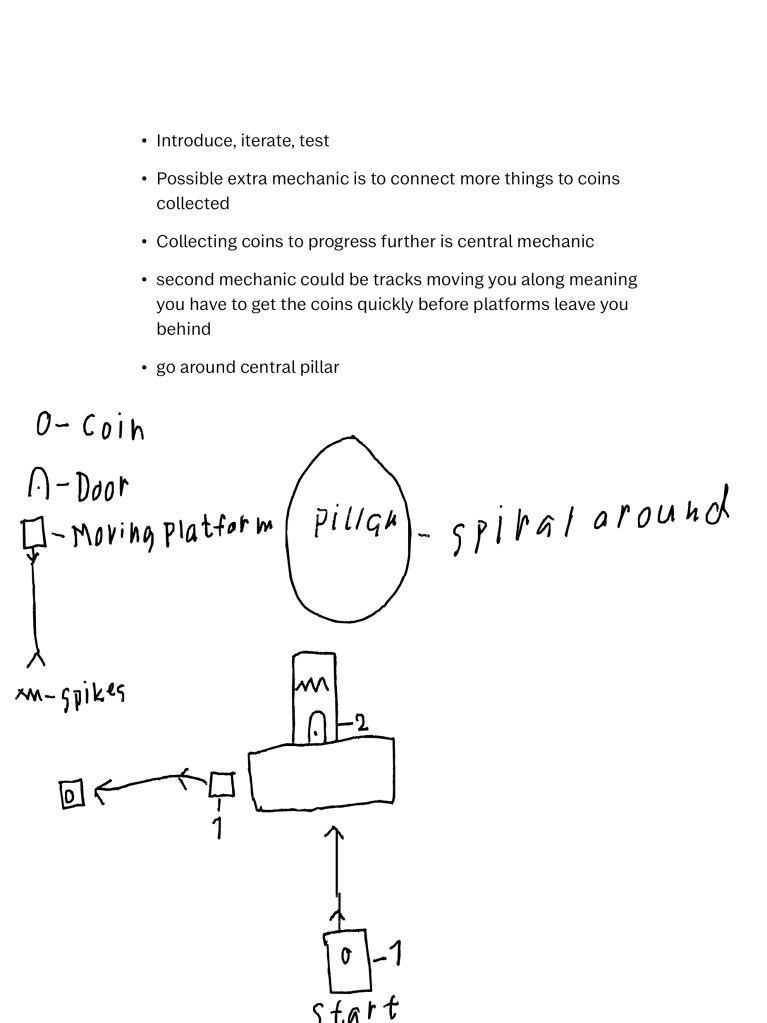
Above is my initial design document. I knew I wanted to make something spiraling around a central pillar as I thought it would both look cool and provide interesting gameplay possibilities. The concept of collecting coins to progress was also central to this vision though this diminished as the level went on.
I instead chose to prioritize introducing new obstacles regularly to keep it fresh. I could certainly have gone the other way to focus just on one thing since the level isn’t too long, but I felt it fit with the light hearted nature of both the graphics and the movement to go in this direction instead.
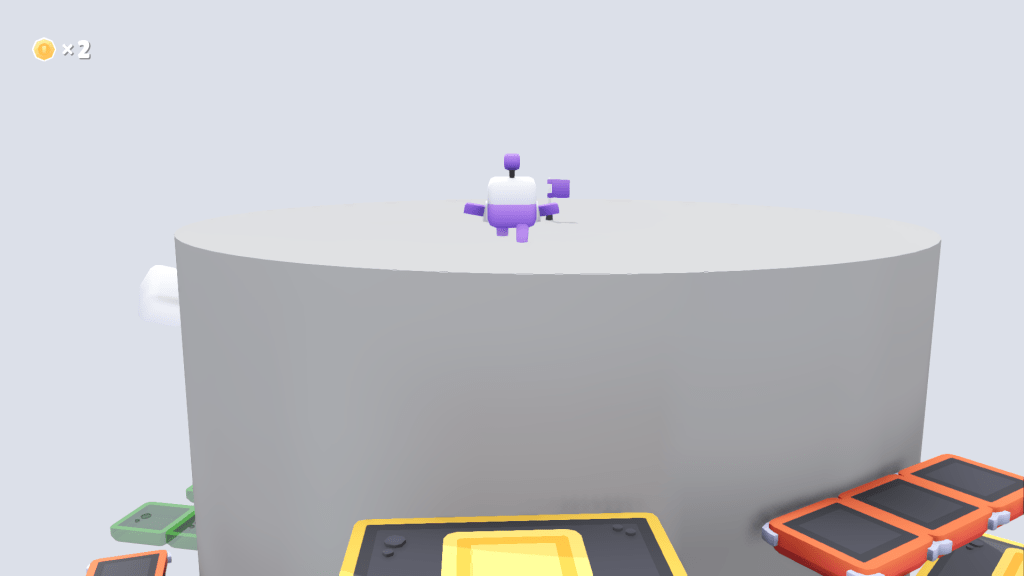
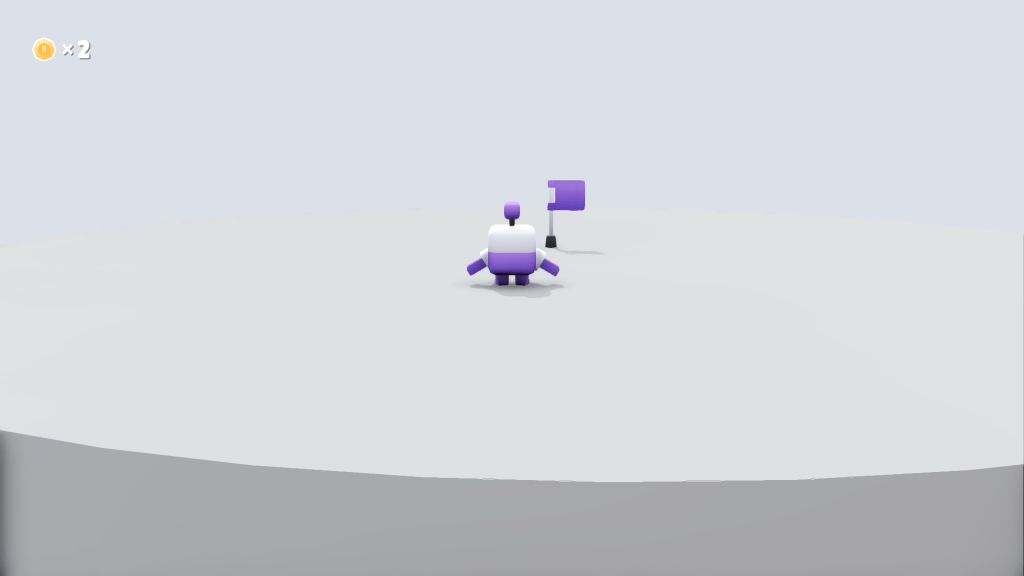
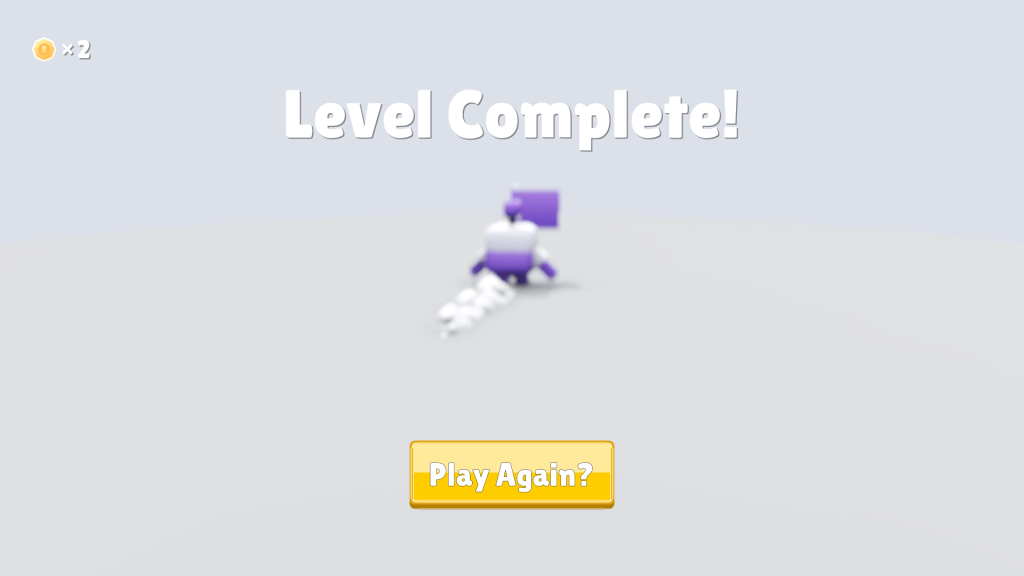
Below is a summary of the level with images.
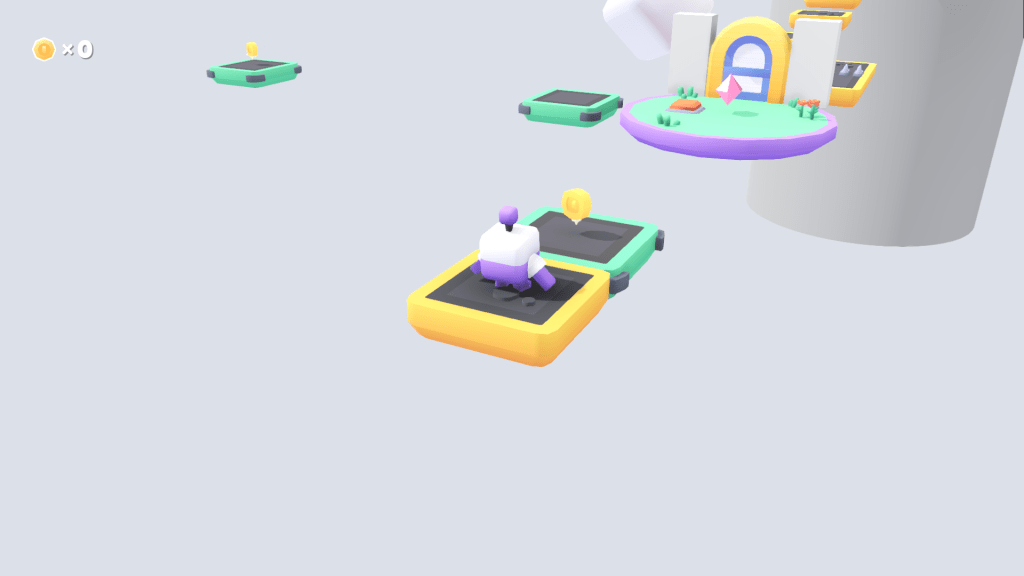

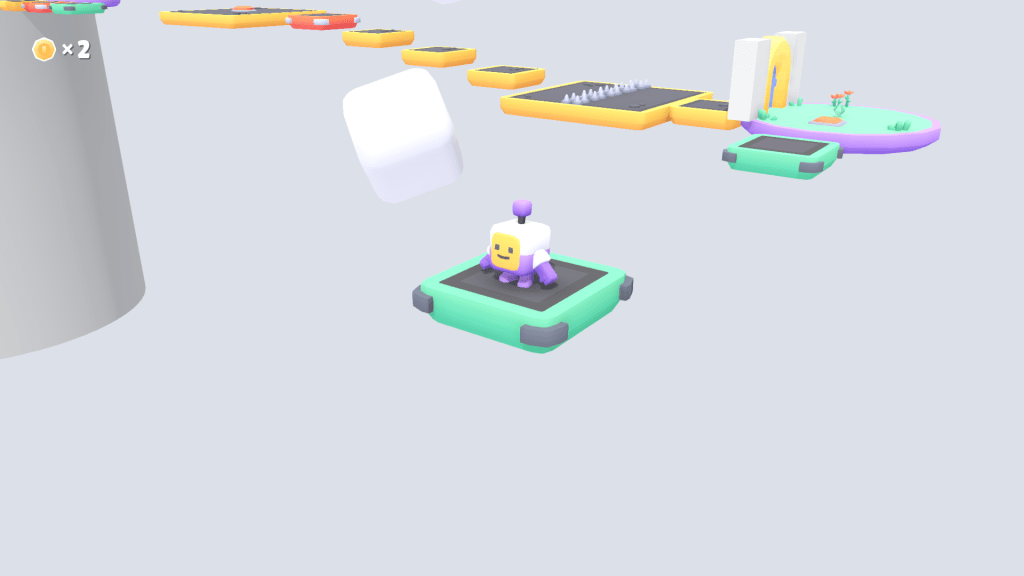
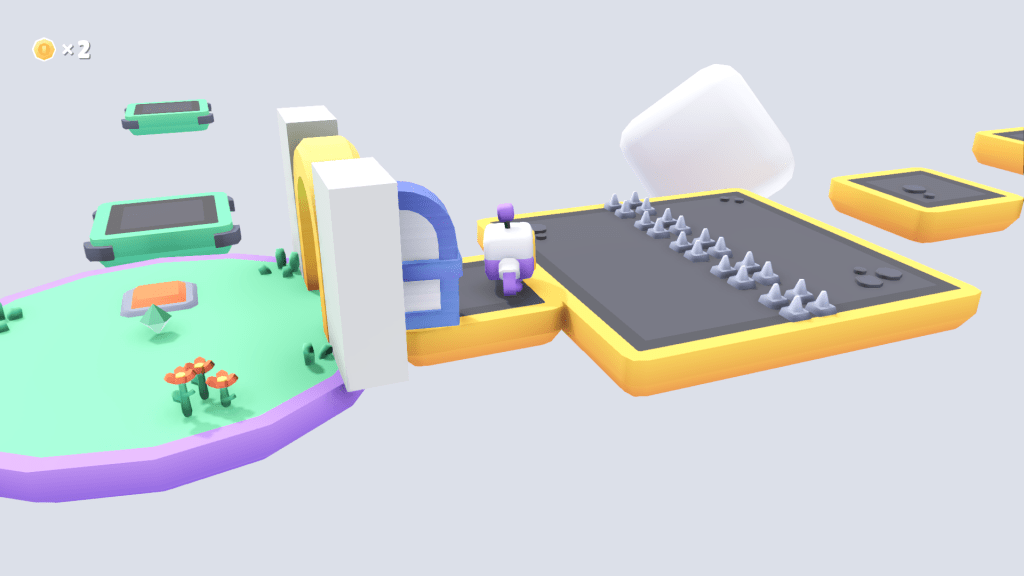
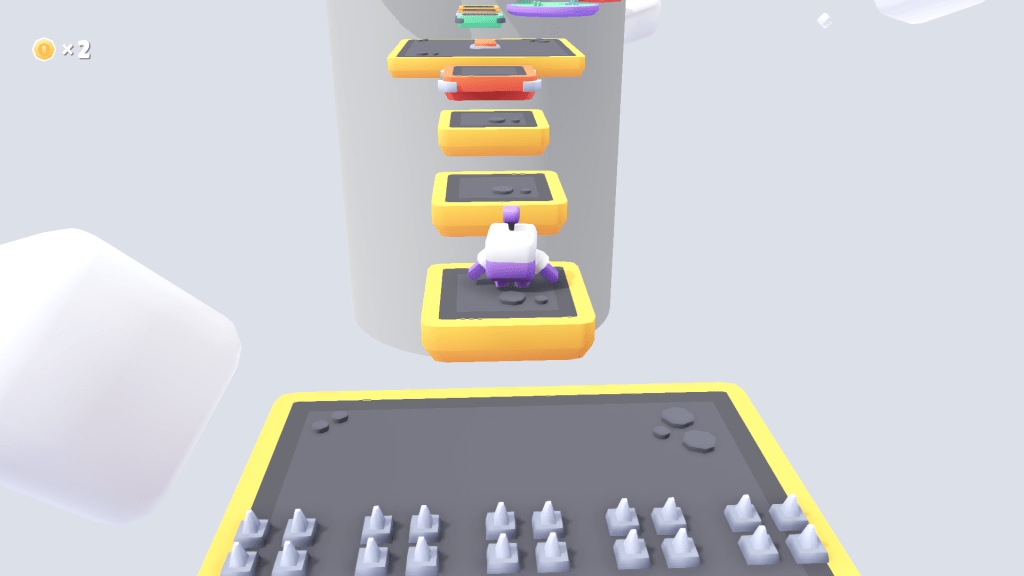

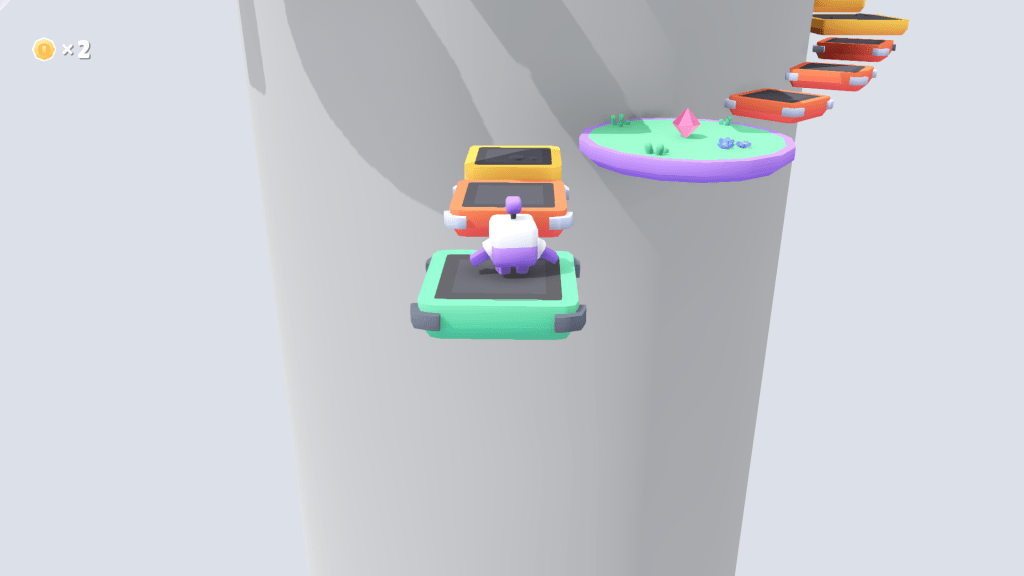
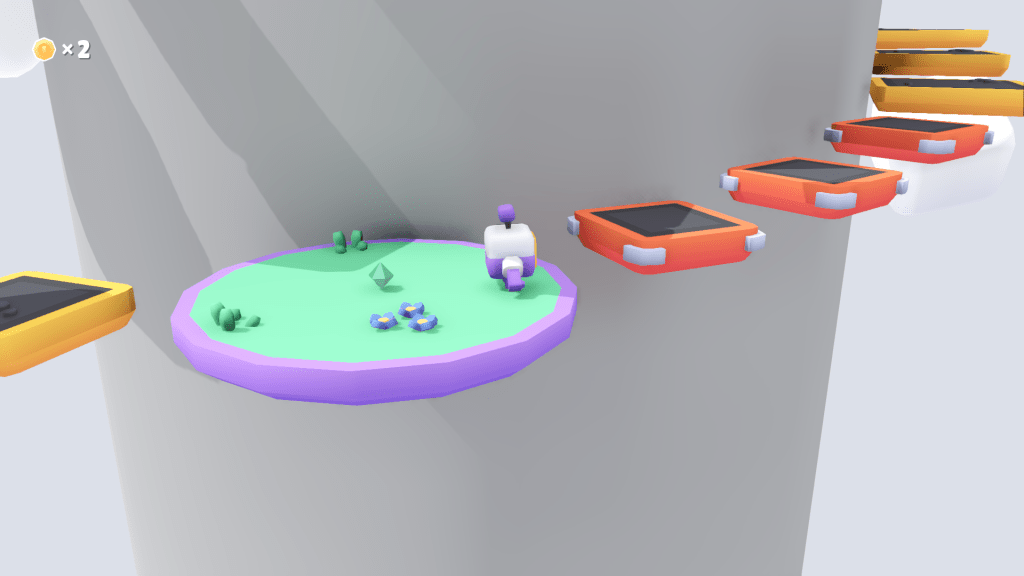
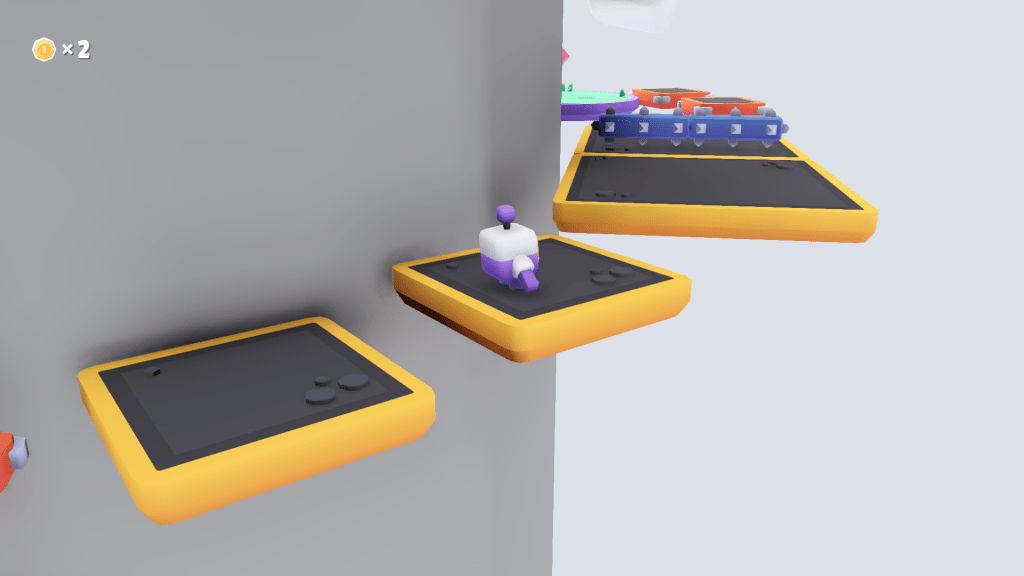

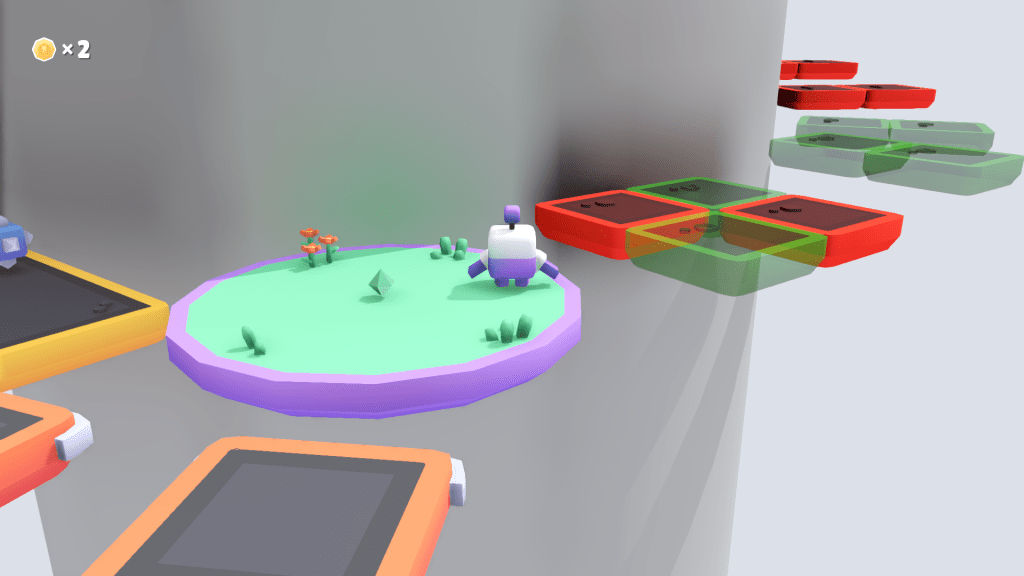
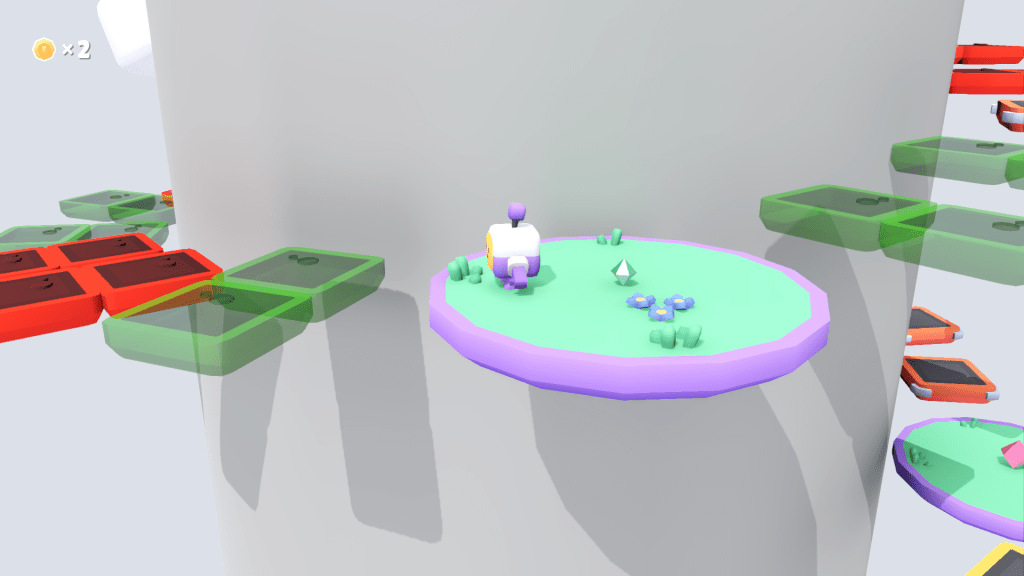
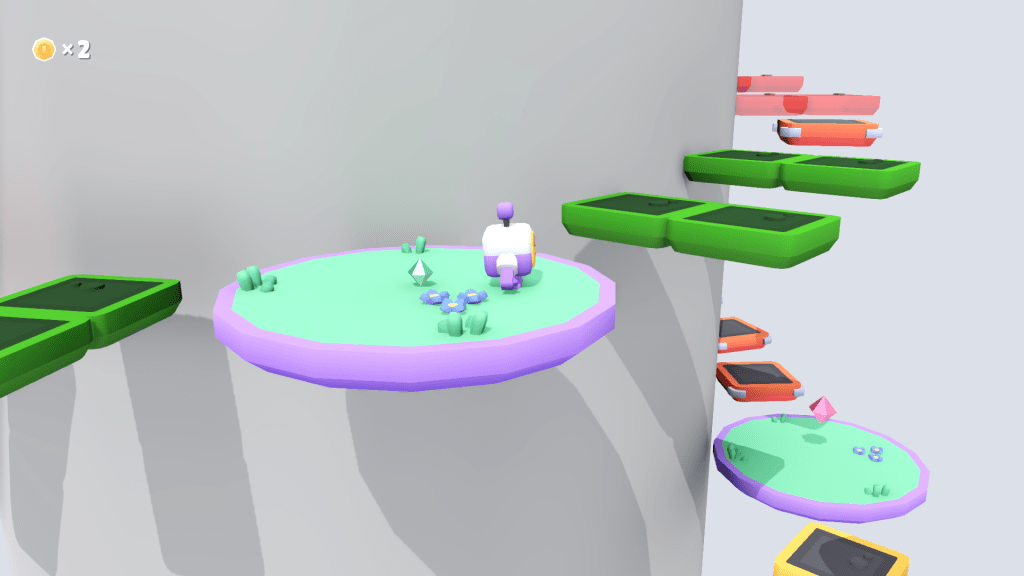

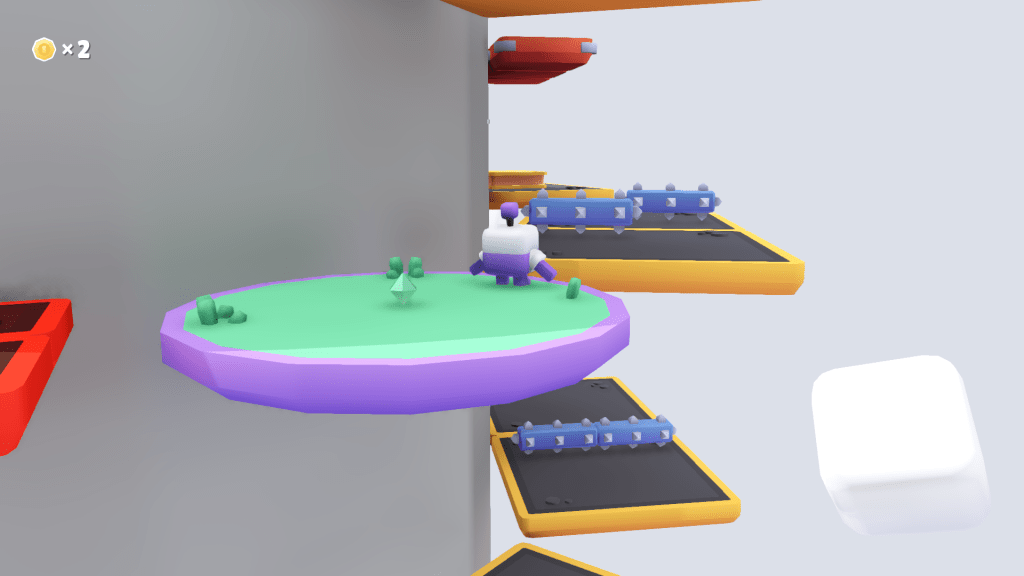


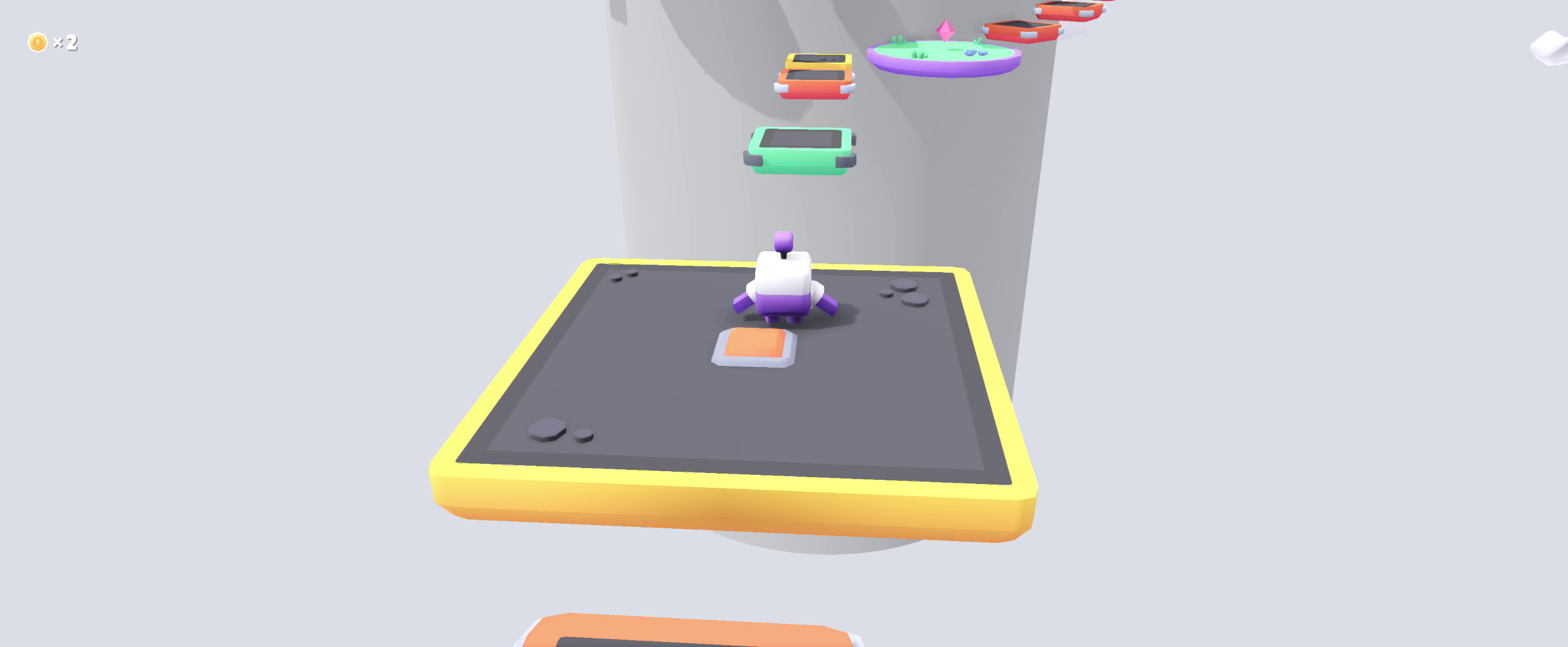
Below are some side by side comparisons of some changes I made during development. The earlier version is to the left.




Programming
I both changed the existing code to better fit my needs and made entirely new assets. The main structure I made was a platform that would turn on and off to a beat with a central manager to handle it all.
What I changed with the existing code was
- I added functionality for moving platforms with coins collected Link
- I made the path for moving platform have one way bool that makes it take a one way trip. Link
This is the old Toggle Platform: Link
This is the final Toggle Platform: Link
The Main difference is making platforms see through instead of invisible when turned off.
This is the old Toggle Platform: Link
This is the final Toggle Platform Controller: Link
The main difference is making any game controller vibrate three times as a count down for the toggling.
Conclusion
For this level I had the opportunity to take it slow and playtest often, iterating as I went along. This taught me both a lot about how to better conduct playtests and made the level better for it.
If I were to redo it I would try to get feedback from separate people to get even more fresh perspectives.
Even though I originally intended for the whole level to be centered around collecting coins to progress, I’m glad I chose to pivot to more variety as it better fit the base game I received.
It was fun to discover a new set of tools in Godot for the first time in a long while since I last had to learn a new game engine.
 Noel Grünbaum - Game Designer